OBARQODOP
A downloadable game for Windows, macOS, and Linux

OBARQODOP - [oʊˈbɑrkwəˌdɑp]
- The letters in the Latin alphabet that have a loop.
- An interconnected structure of letters.
What?
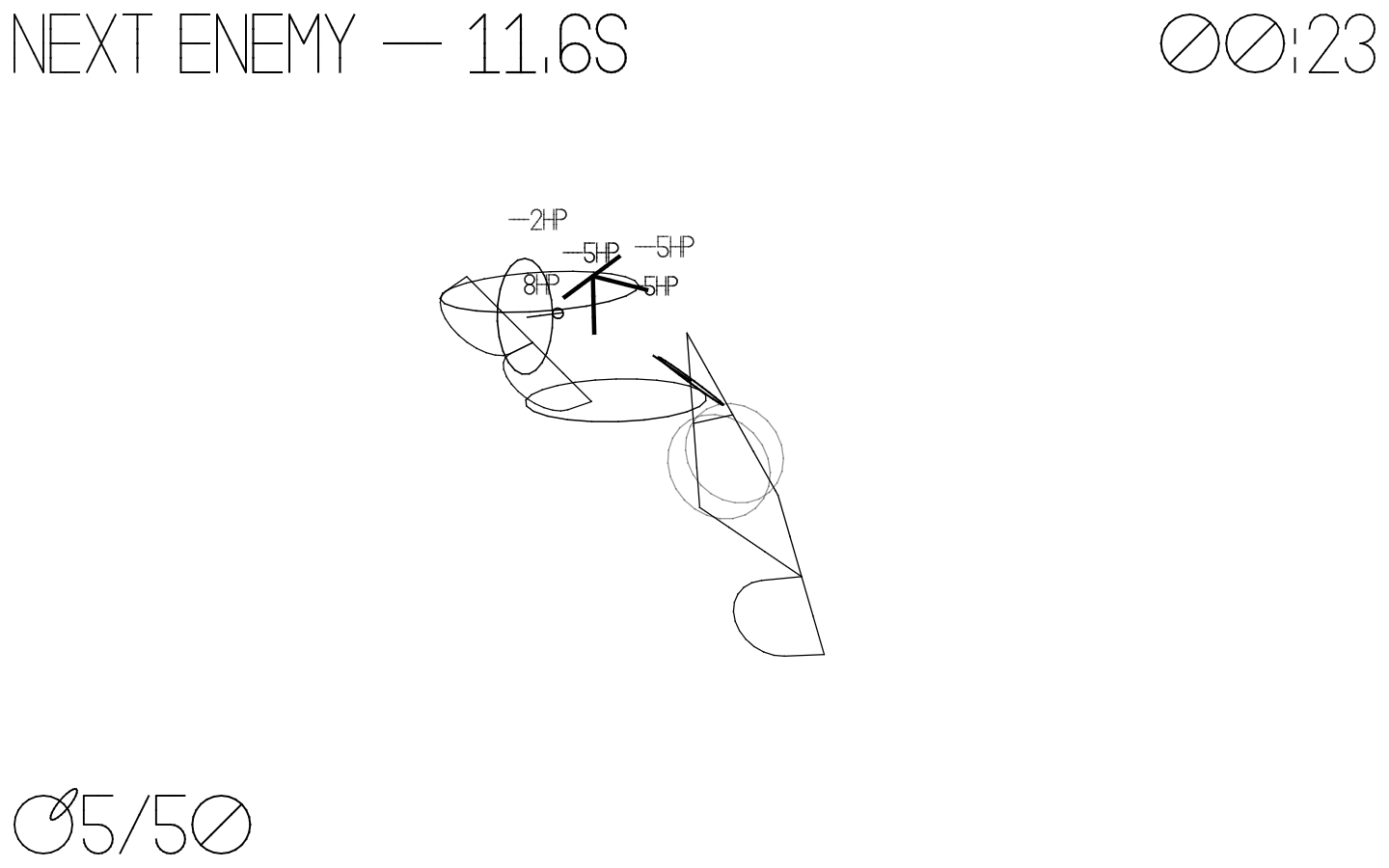
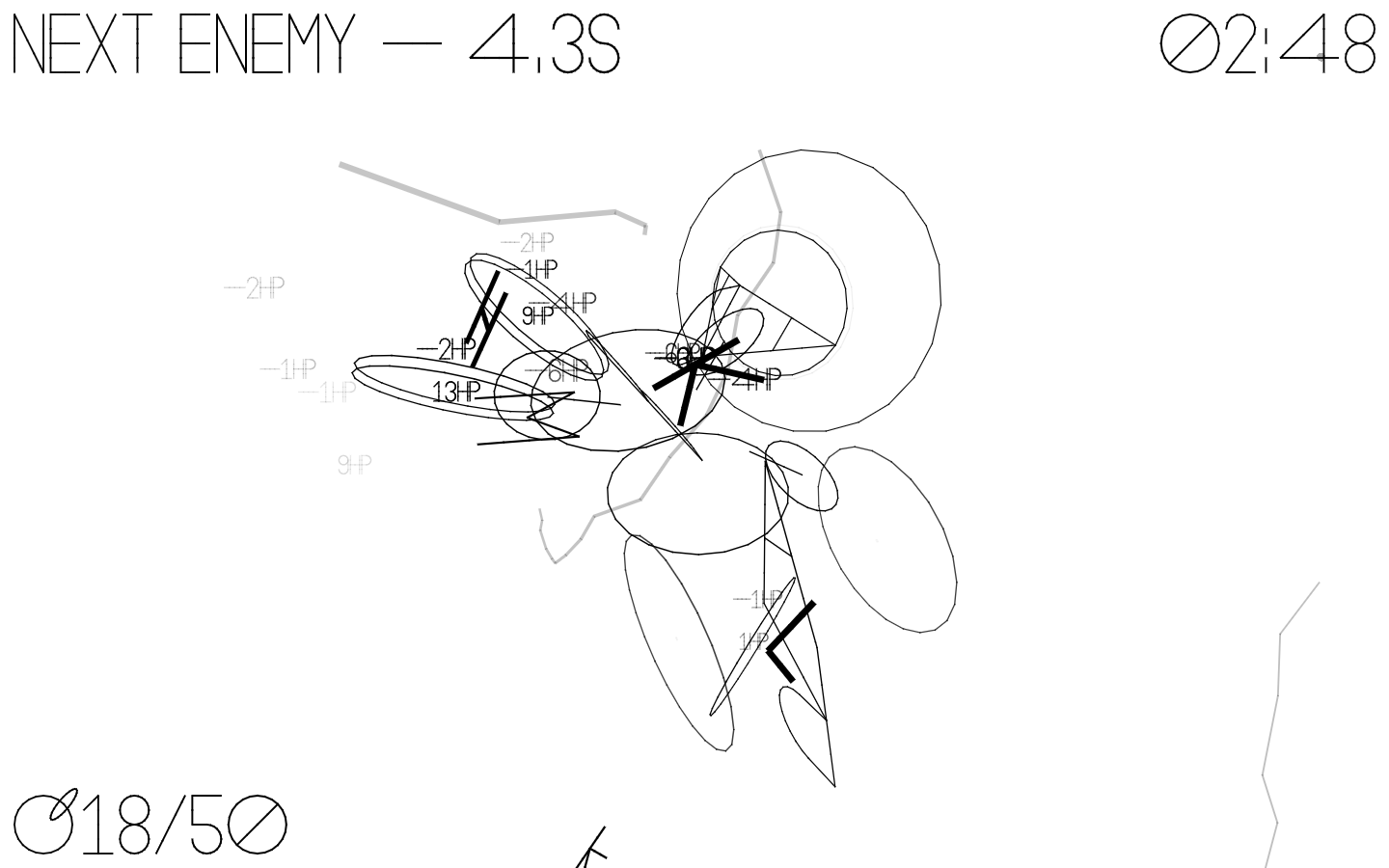
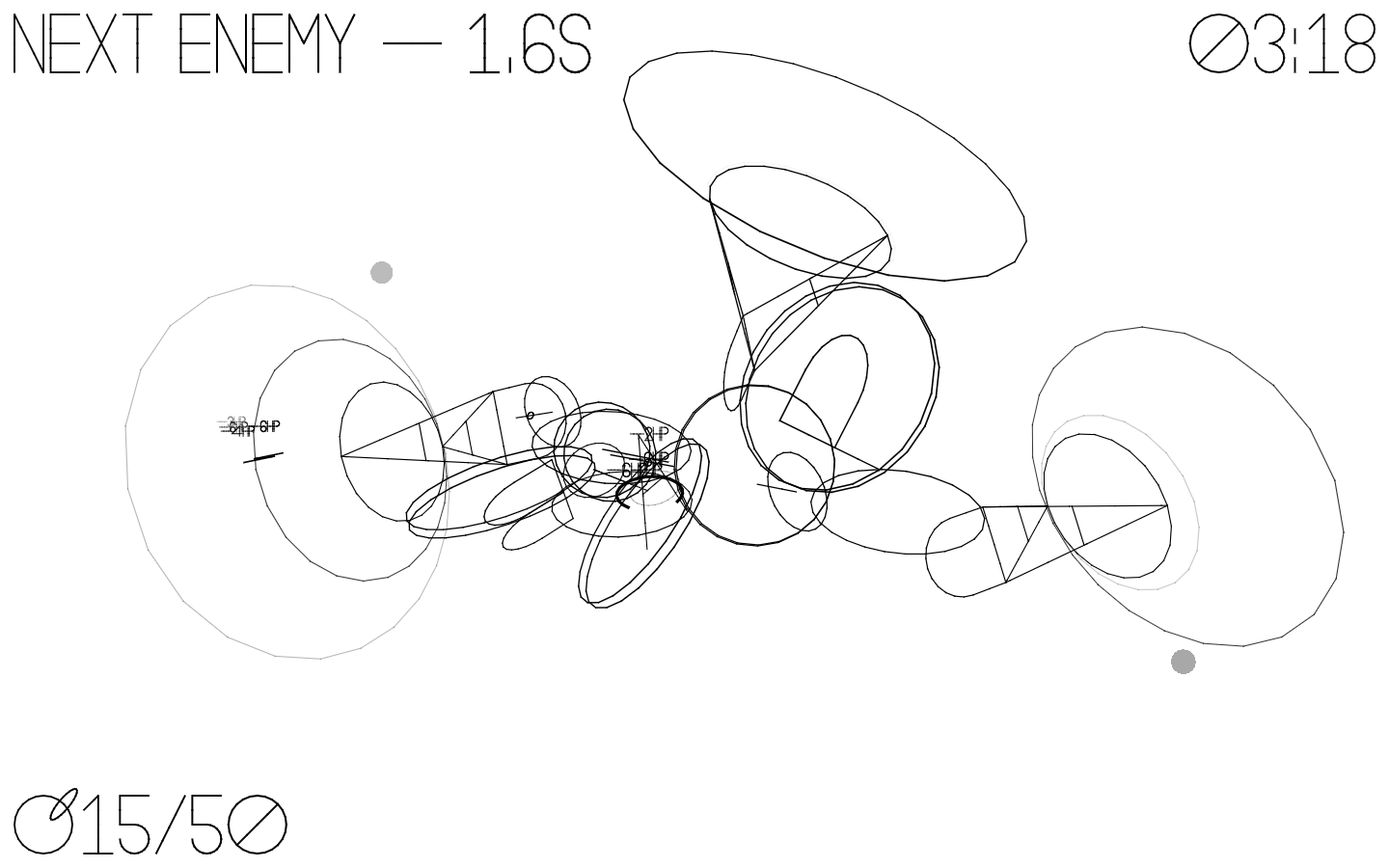
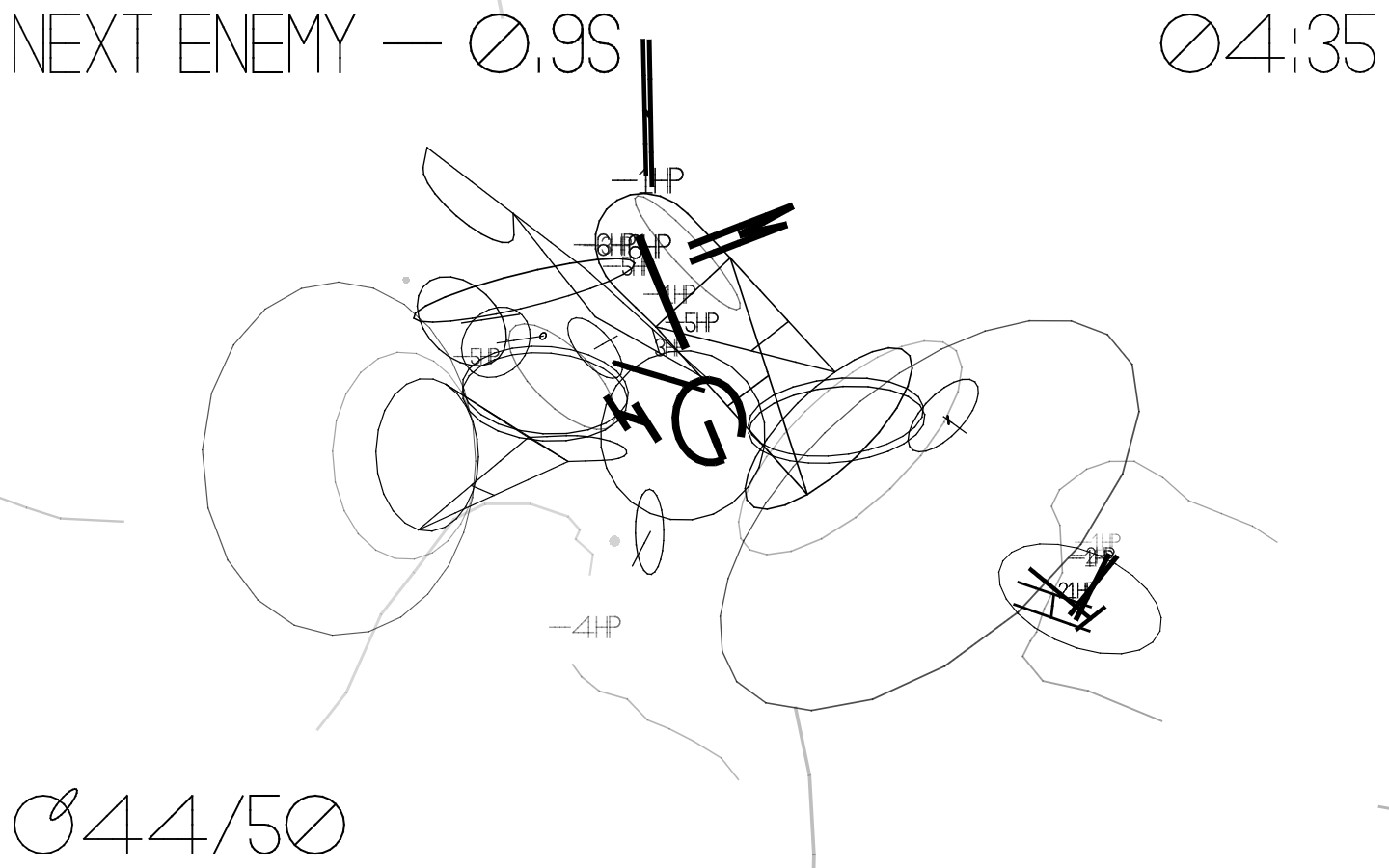
In the Latin alphabet, very few letters have a loop within them. These are O, B, A, R, Q, D, and P. These glyphs have a special property—they can be linked together, meaning that with the right setup, you can create massive megastructures.
Unfortunately, the others aren't so fond of this. They're envious of these special seven, and are on a goal to destroy your creations. Thankfully, being a loop isn't the only thing these characters can do.
How do I play?
During the game, you'll use the letters available to you to create a structure of traps and weapons that will defeat the oncoming attackers. Each letter has their own special property, and combinations of them will make more powerful structures.
- O - Your most basic letter. Other letters can stem off of this one.
- OO - A variant of O, able to bypass the three-letter maximum far after you reach it.
- B - A bridge. Use this to get height or new angles.
- A - Your most basic attacking mechanism. It pulls in any oncoming letters to damage them at its base.
- R - When paired with A, the area of force is turned sideways and extended in both directions. The new loop created can also be the placement zone for another O.
- Q - Essentially a turret. The more, the merrier.
- D - The base of a stun tower. Pairing this with two A's and an O on top creates a wide stun field. This goes well with Q.
- P - An extension off of the main structure. Placing an OO onto this will create an entirely new structure independent of the previous one, meaning that even if the first dies, your next will continue living.
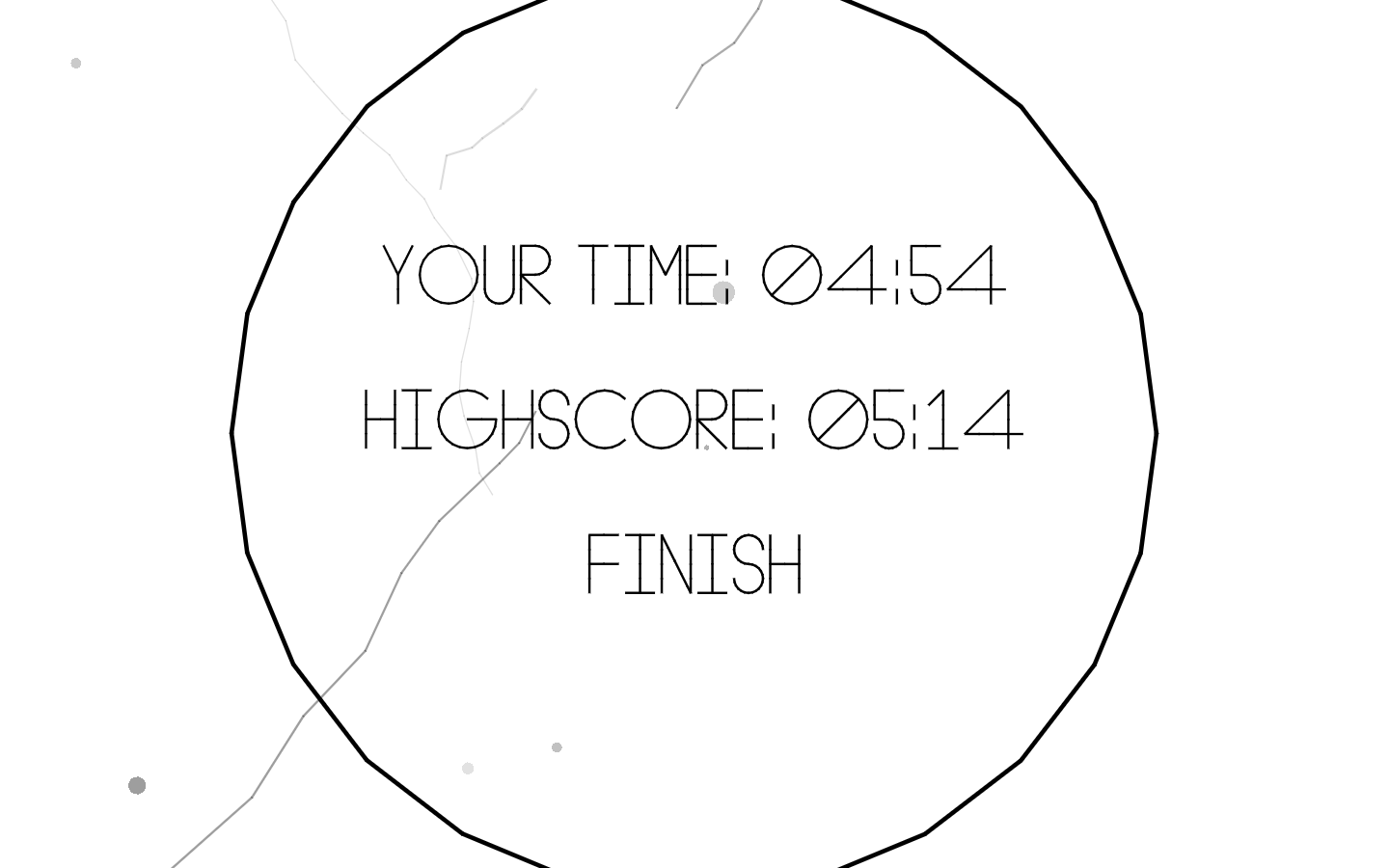
Your goal is to survive as long as possible. If you want to be free of any enemies and simply build to your heart's content, turn on "Free build" in the Settings menu.
Controls
- WASD - Pan camera
- QE - Move camera up/down
- Right mouse - Rotate camera
- Escape - Pause game
- Click a letter to select it. Any available letters are shown on the bottom.
- When placing a letter, move your mouse left/right to choose where on the ring it goes, then left/right and up/down to choose an angle, and finally up/down to choose a facing direction. Some letters may not prompt this.
Credits
Download
Install instructions
The Windows and OS X releases should work out-of-the-box, however a .love file is included as a fallback. If you need to run the .love file: ensure you have LÖVE installed, then drag and drop the .love file onto LÖVE.
Leave a comment
Log in with itch.io to leave a comment.